


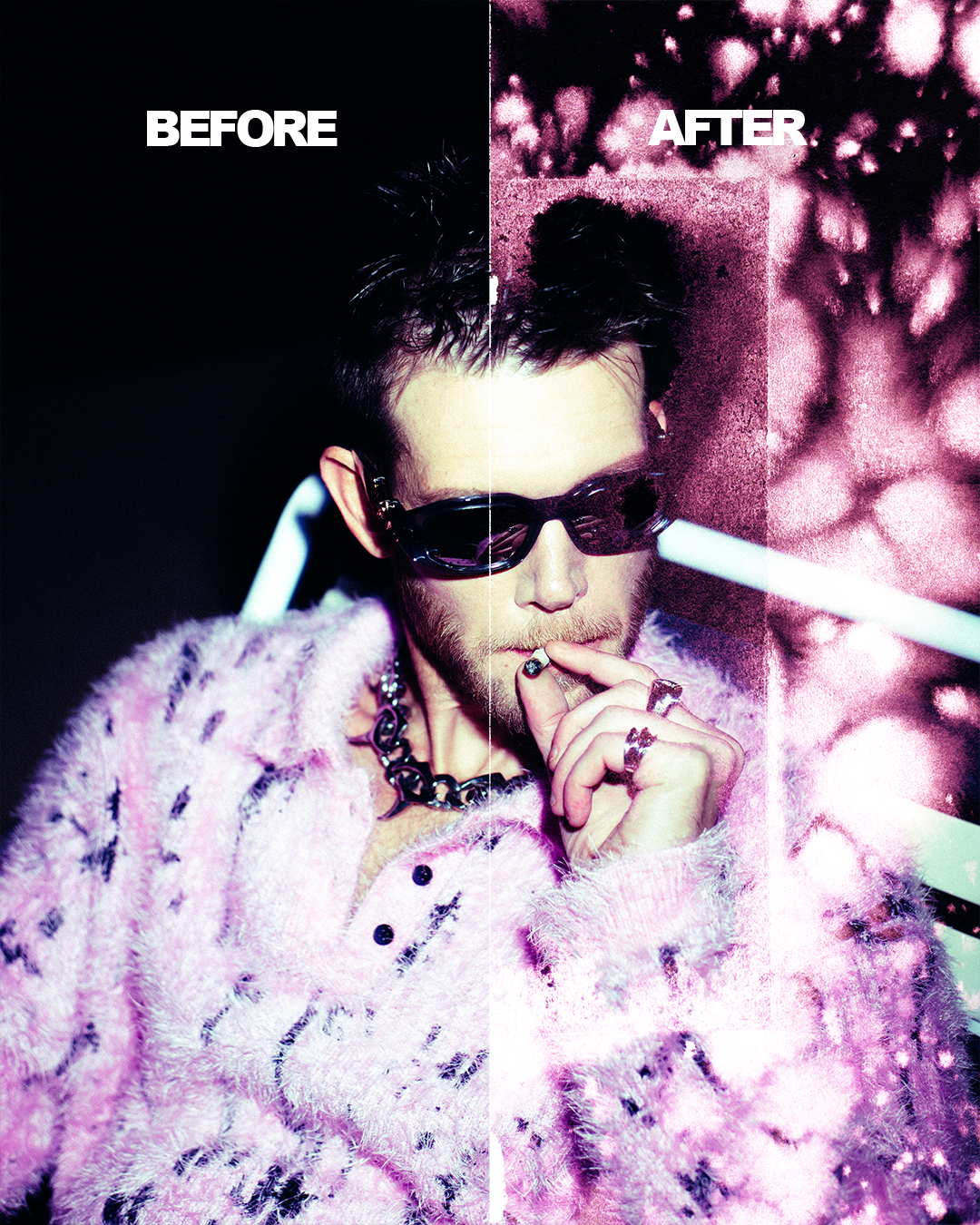
Texture & Overlays Pack Vol.1
Texture and Overlay Pack Vol. 1 - Transform Your Photos with Grit, Grain, and Character
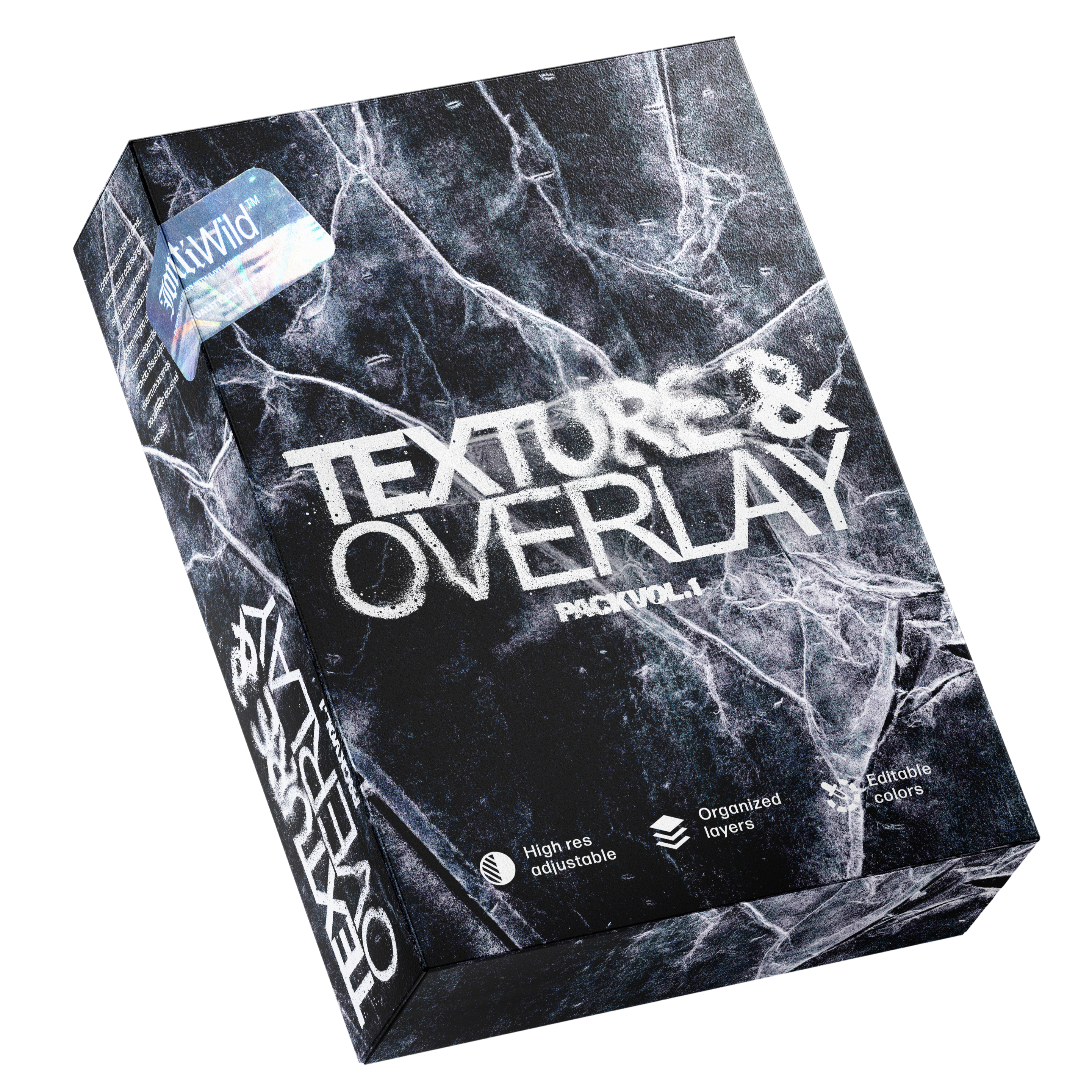
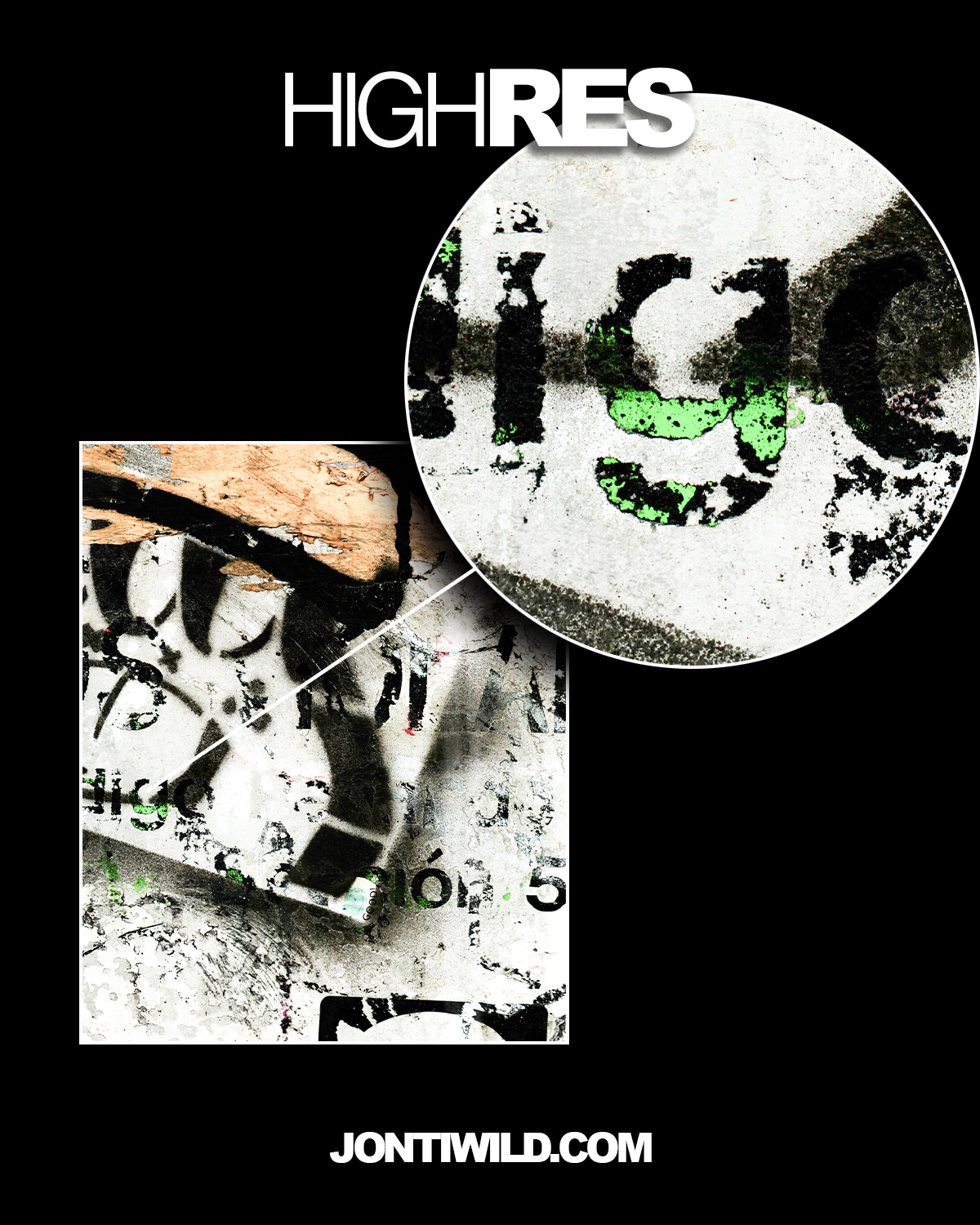
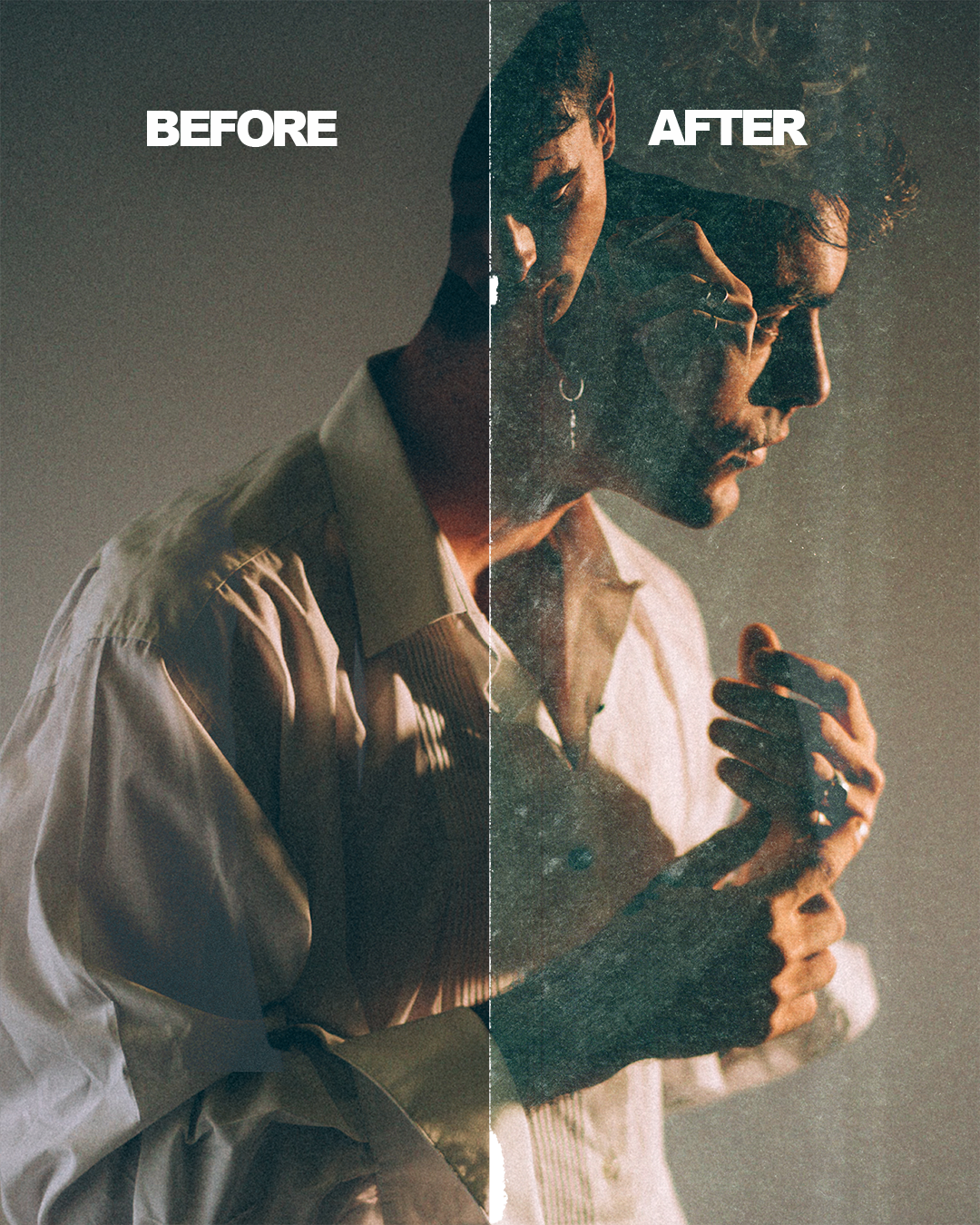
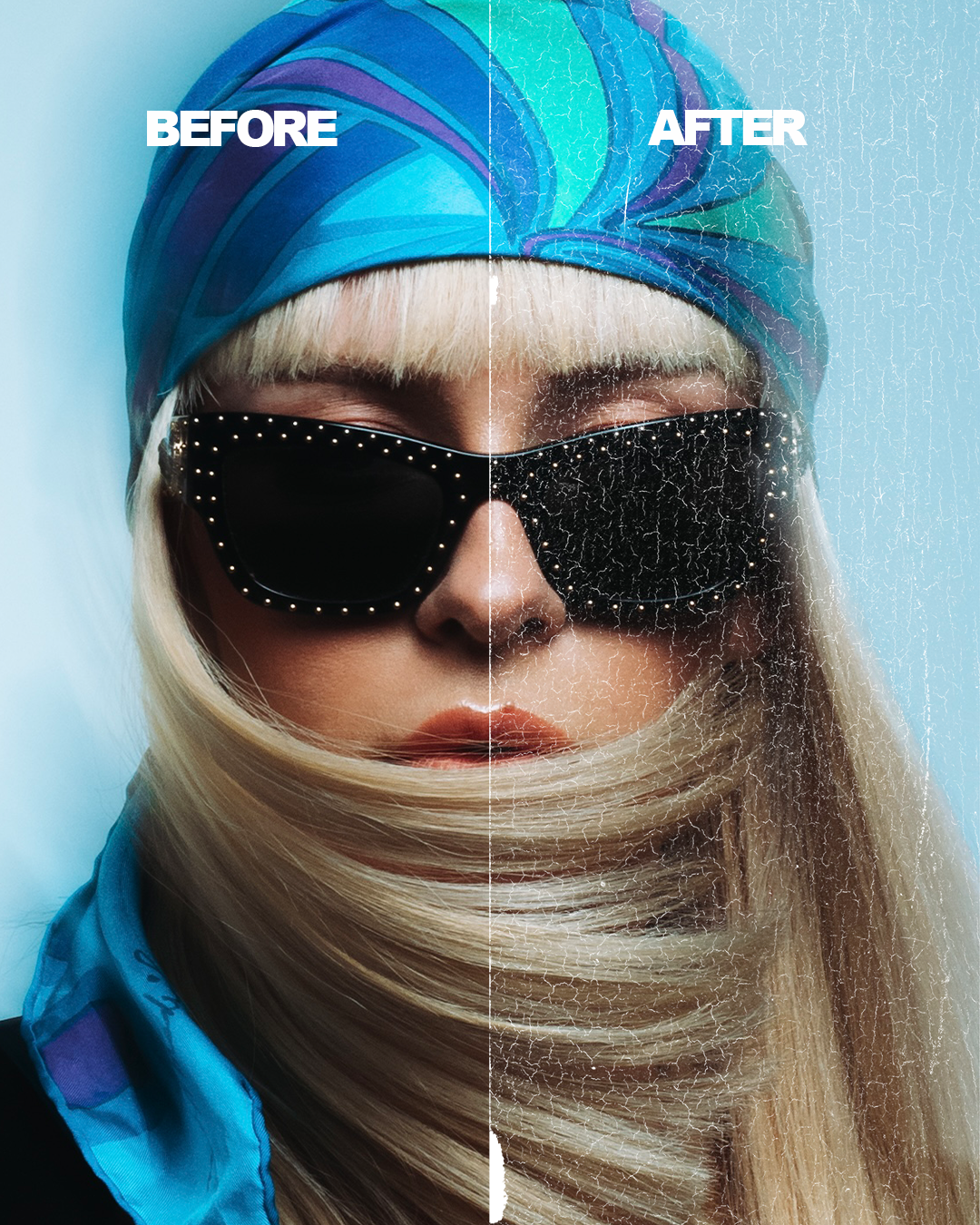
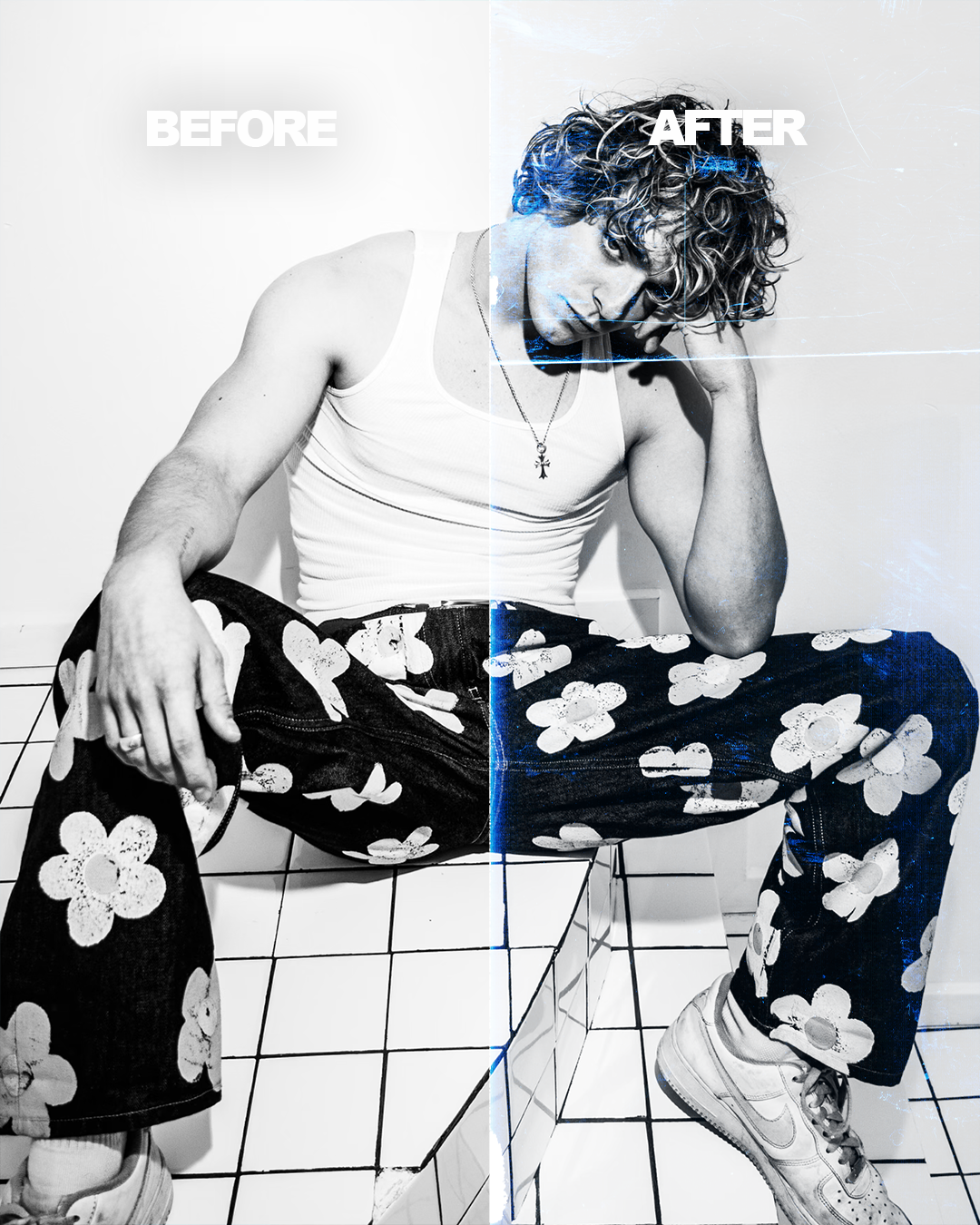
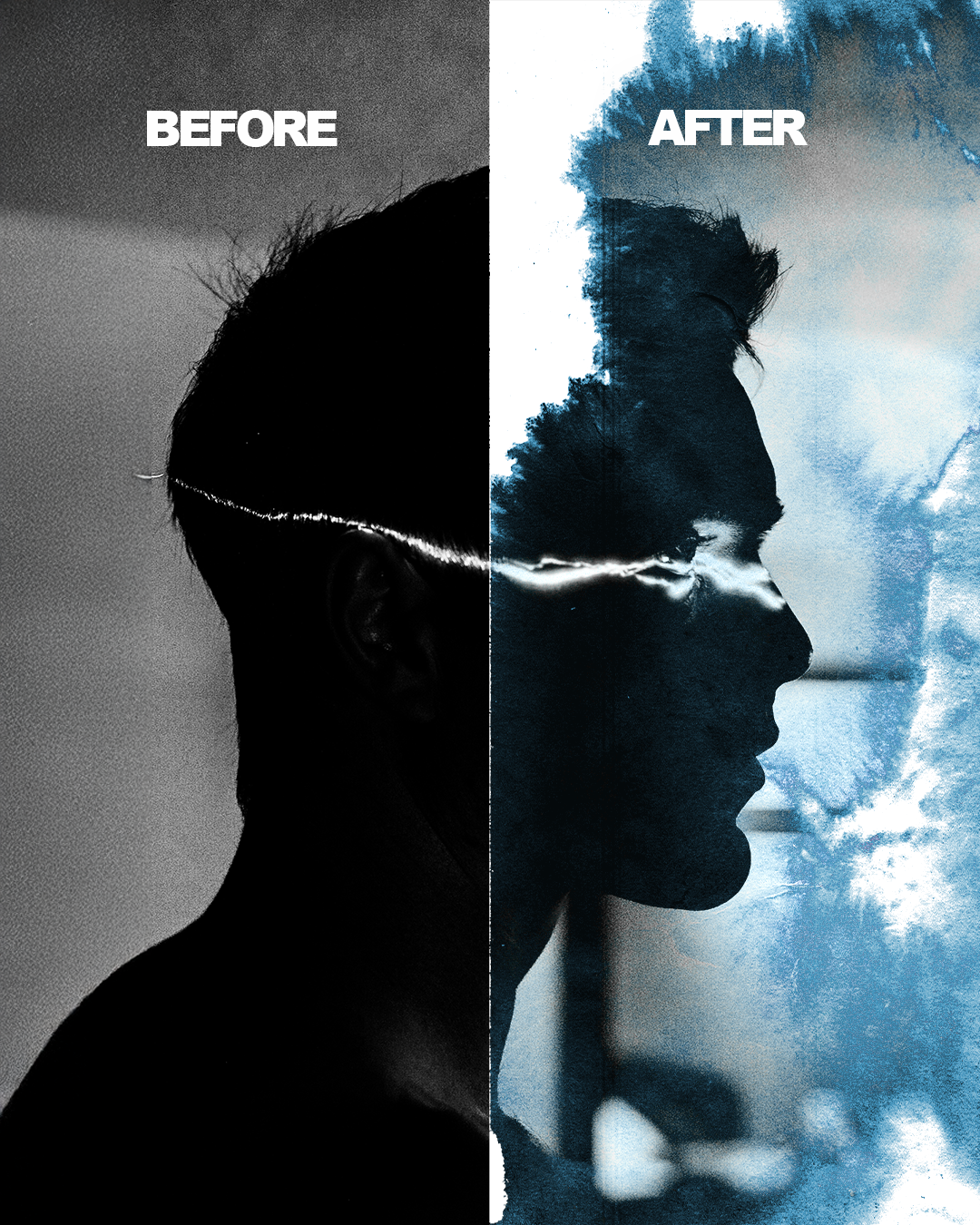
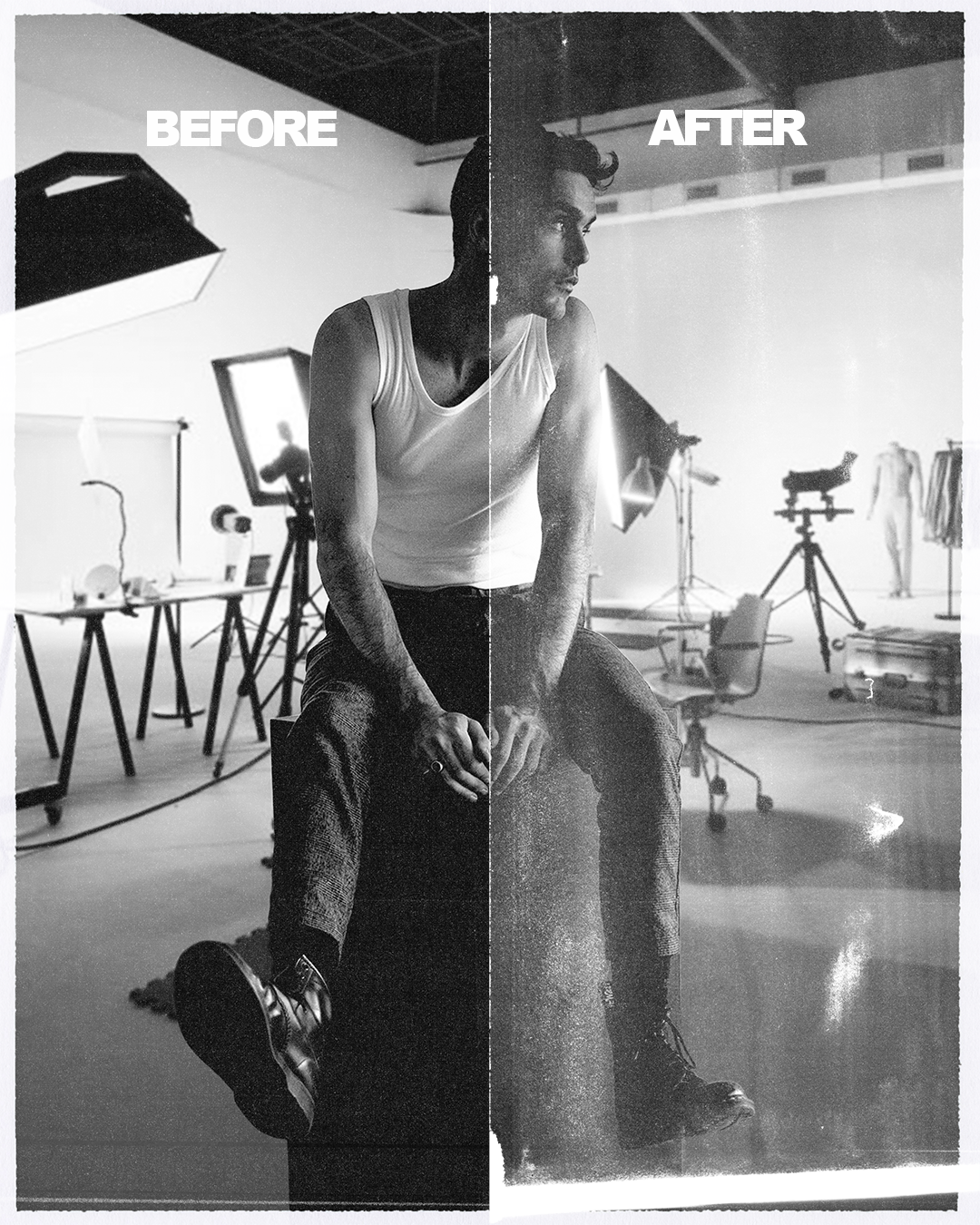
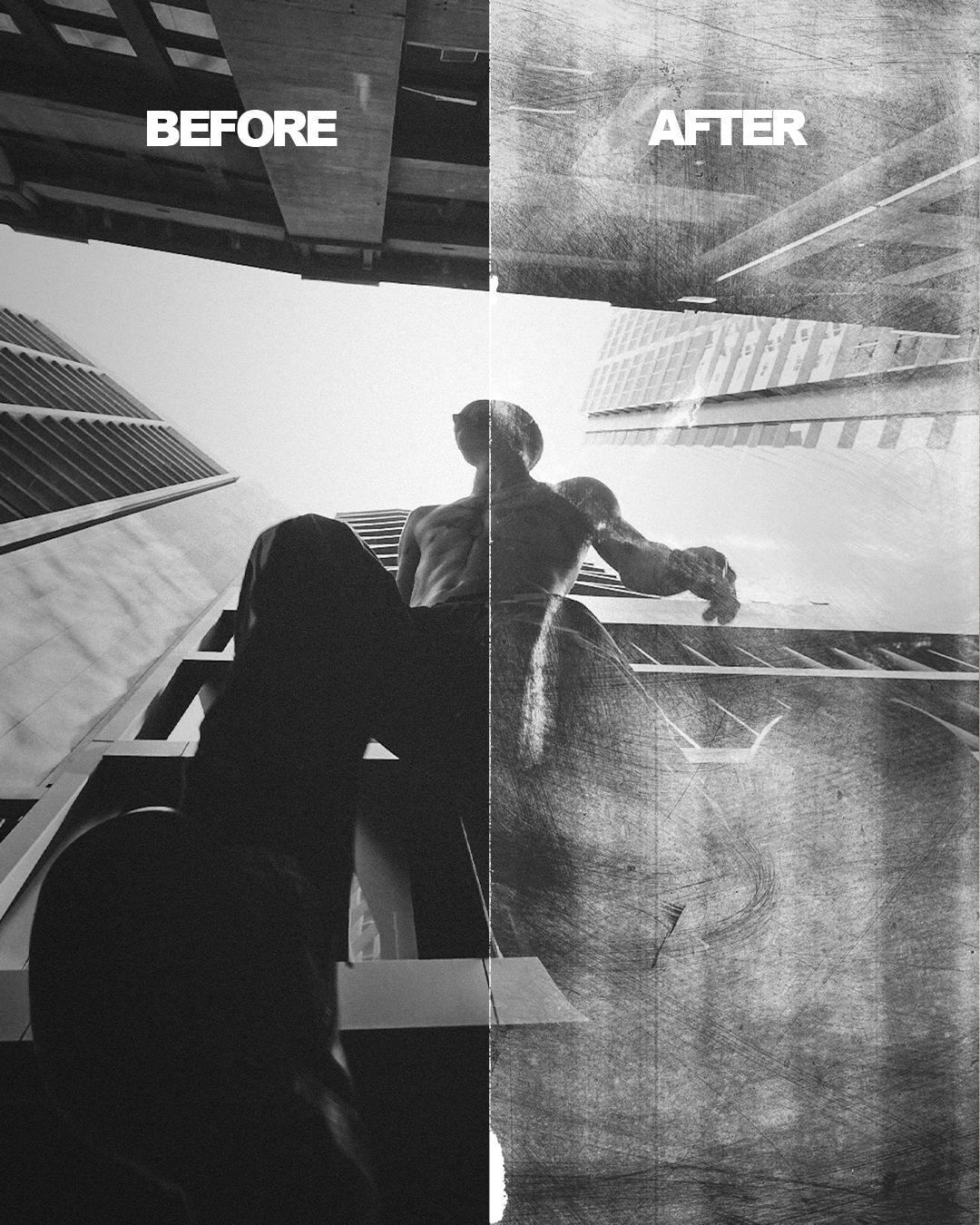
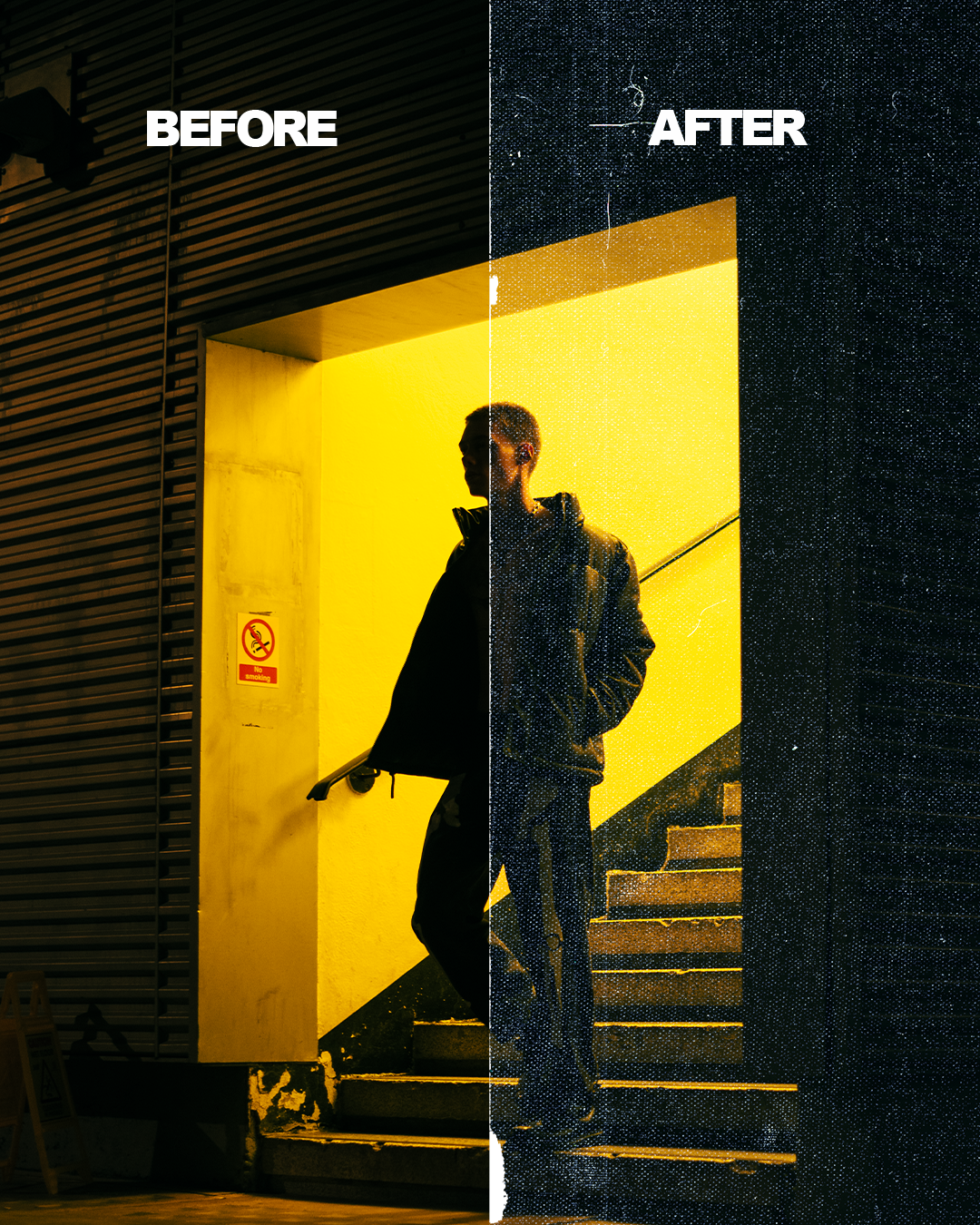
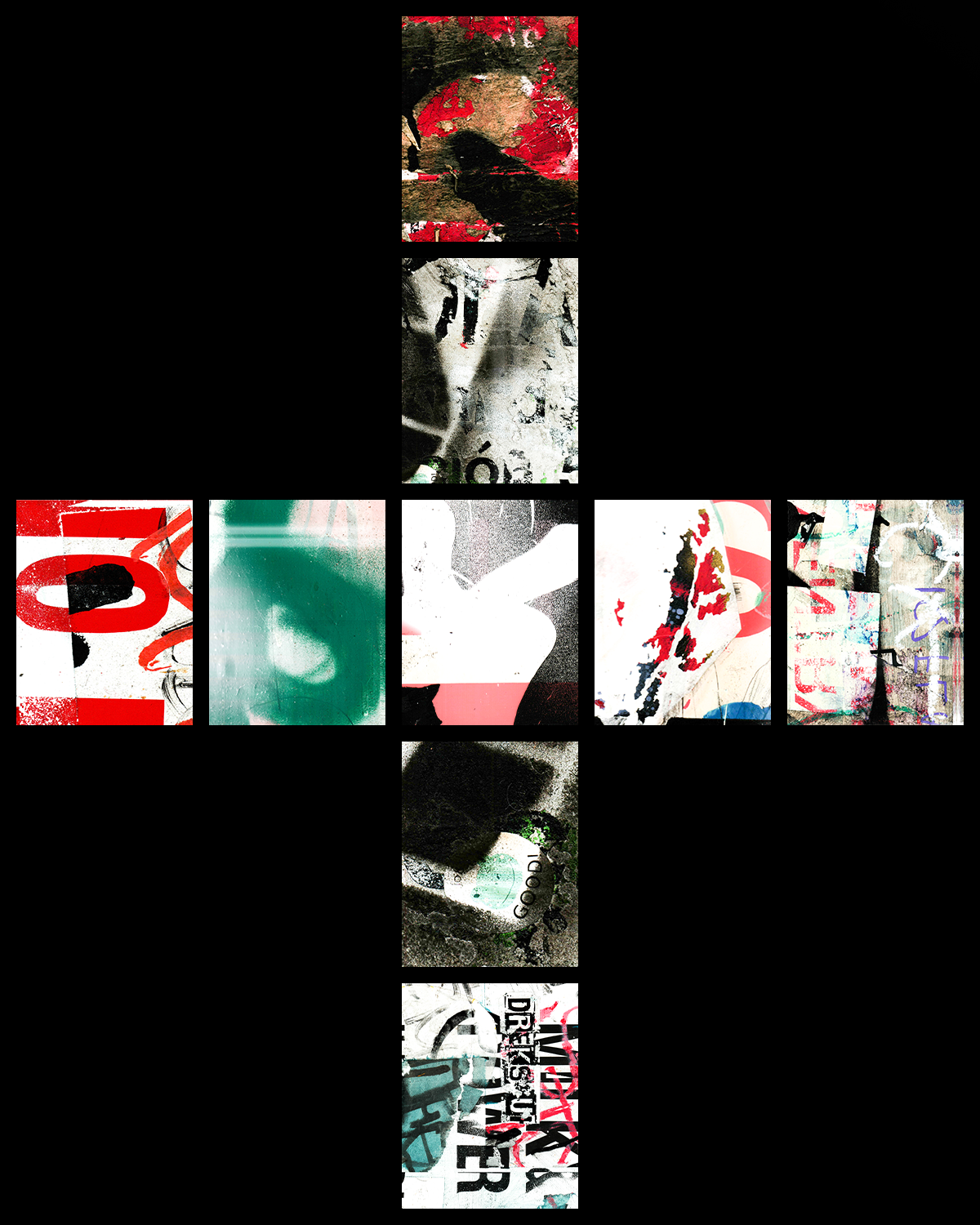
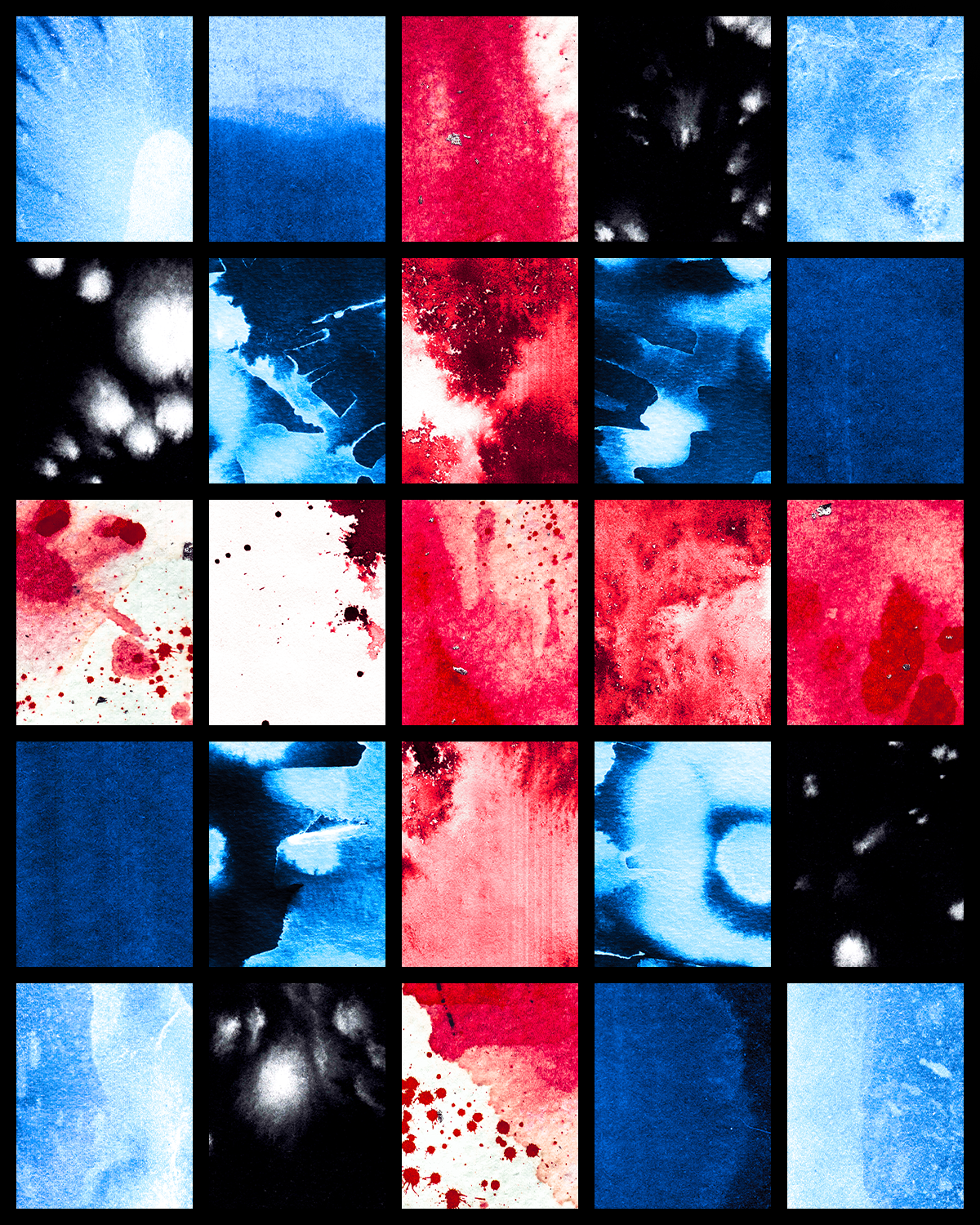
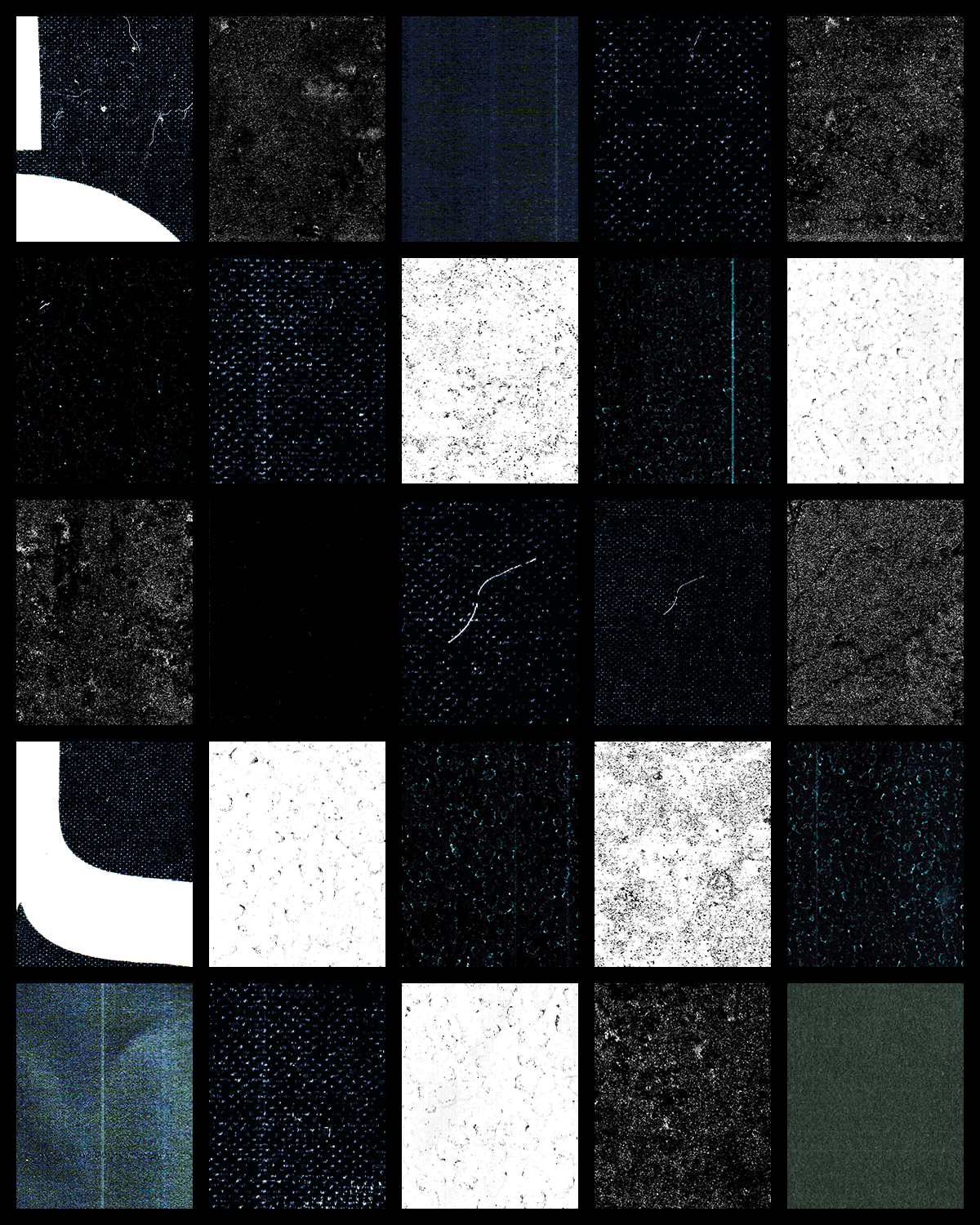
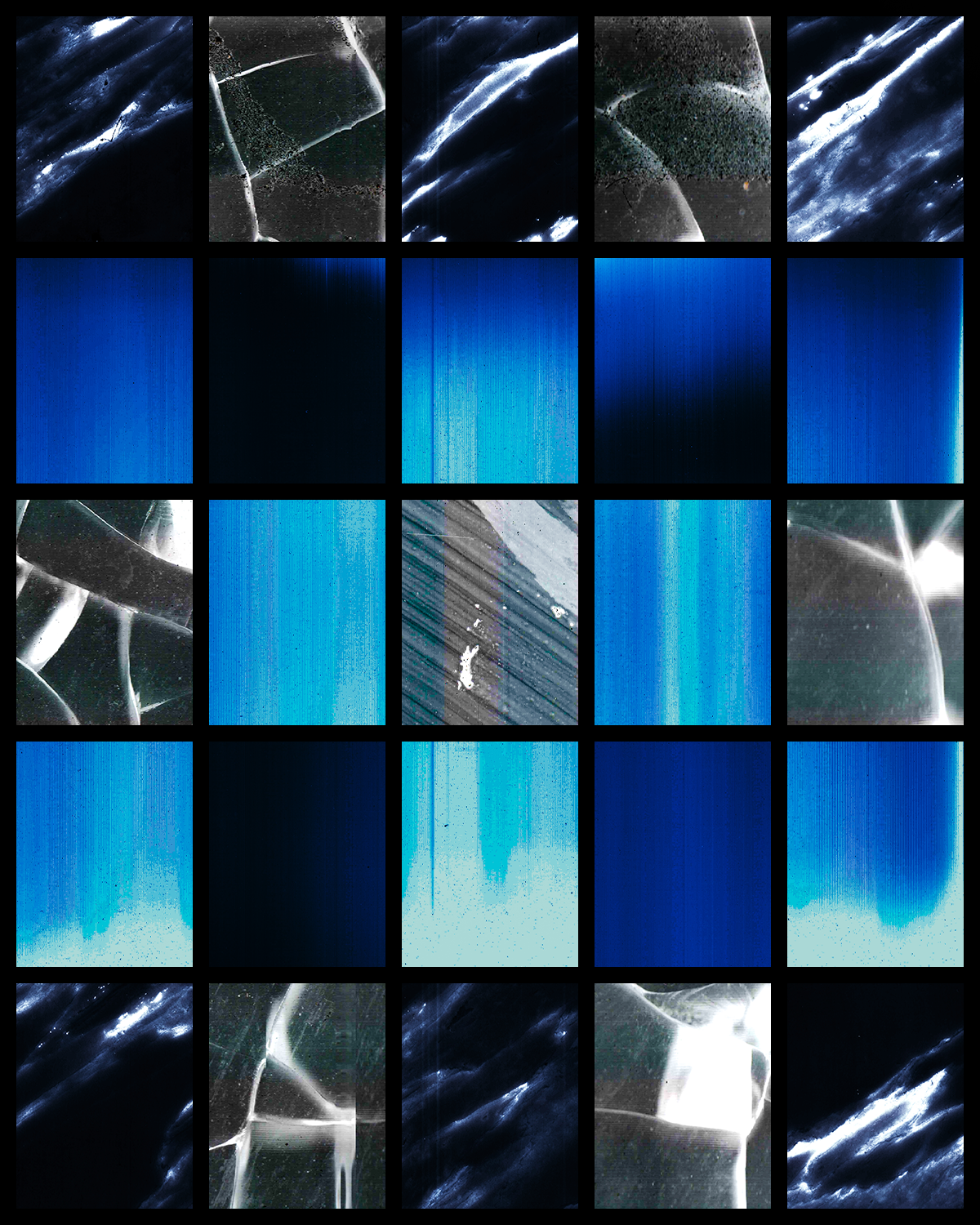
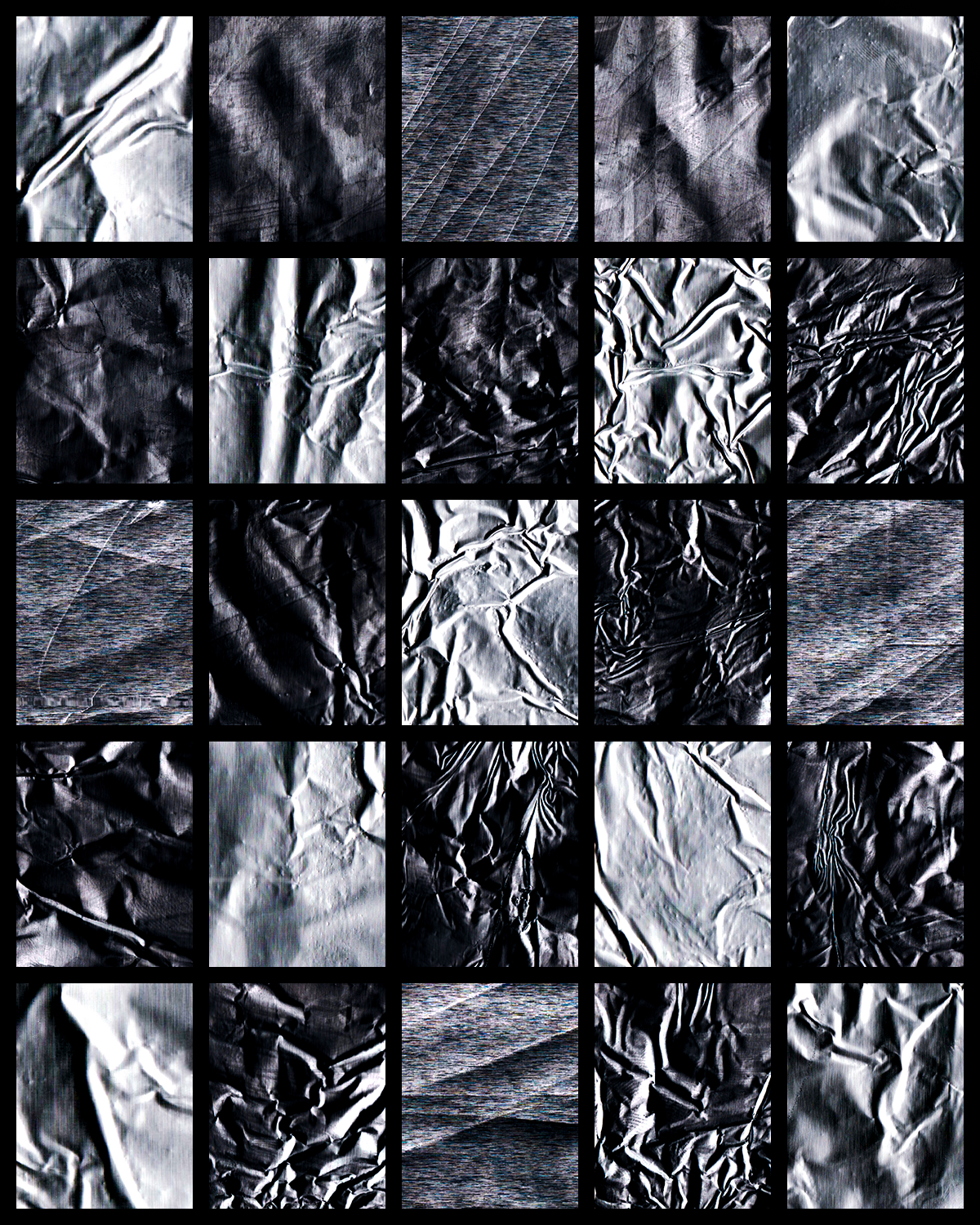
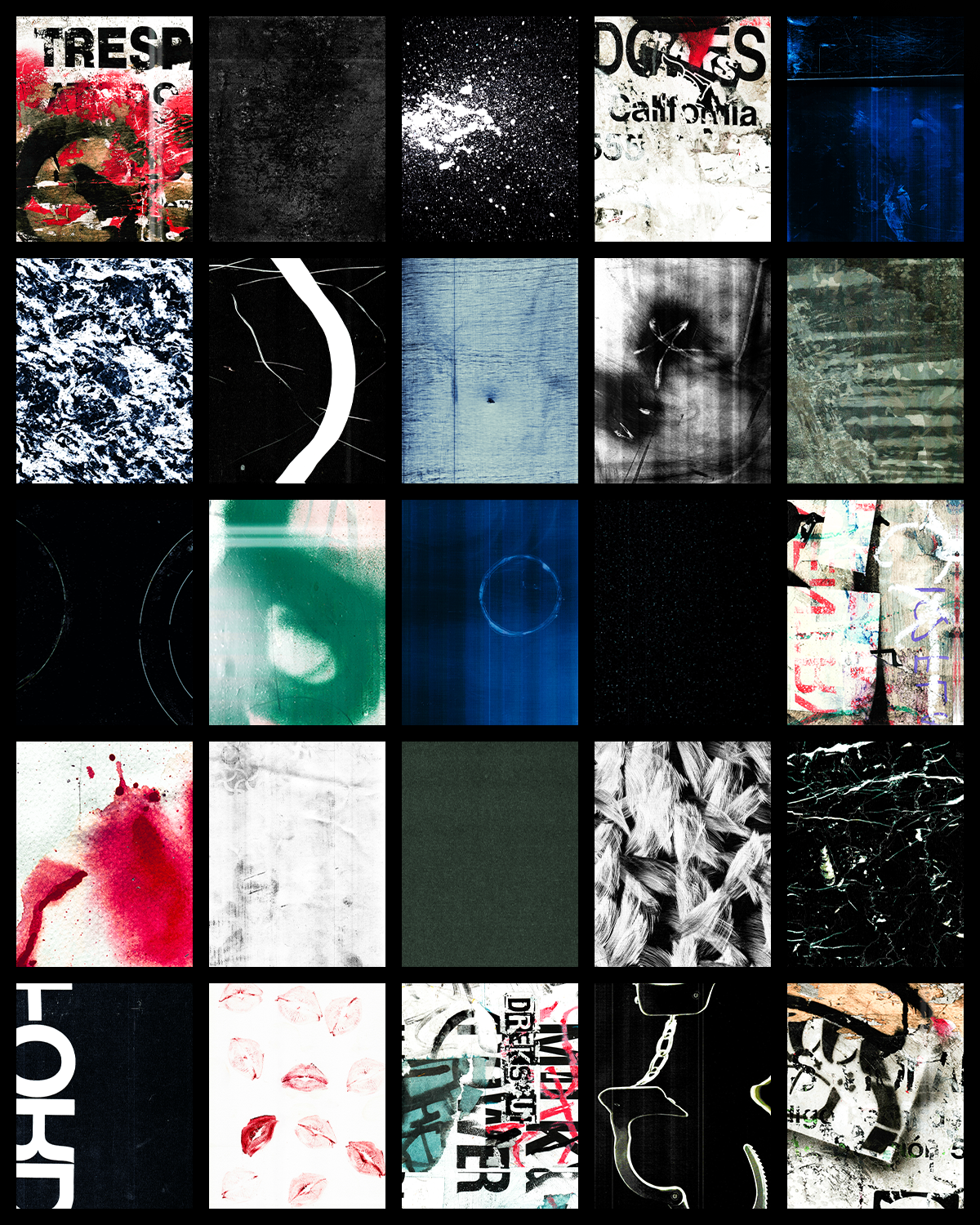
Unleash a whole new dimension in your photography with the Texture and Overlay Pack Vol. 1! Packed with over 100 high-resolution textures, this collection is crafted for creatives looking to add depth, drama, and a unique edge to their images. From grainy grit to distressed glass, graffiti vibes, and paper textures, this pack lets you infuse your shots with artistic flair. Perfect for photographers, designers, and anyone ready to experiment, each overlay is designed to elevate your work effortlessly.
What’s Inside:
• 100+ high-res textures in grit, grain, glass, graffiti, paper, and more.
• Easy-to-use overlays that blend beautifully with your photos.
• Ideal for adding instant mood, character, and a stylized, professional edge.
How to Use:
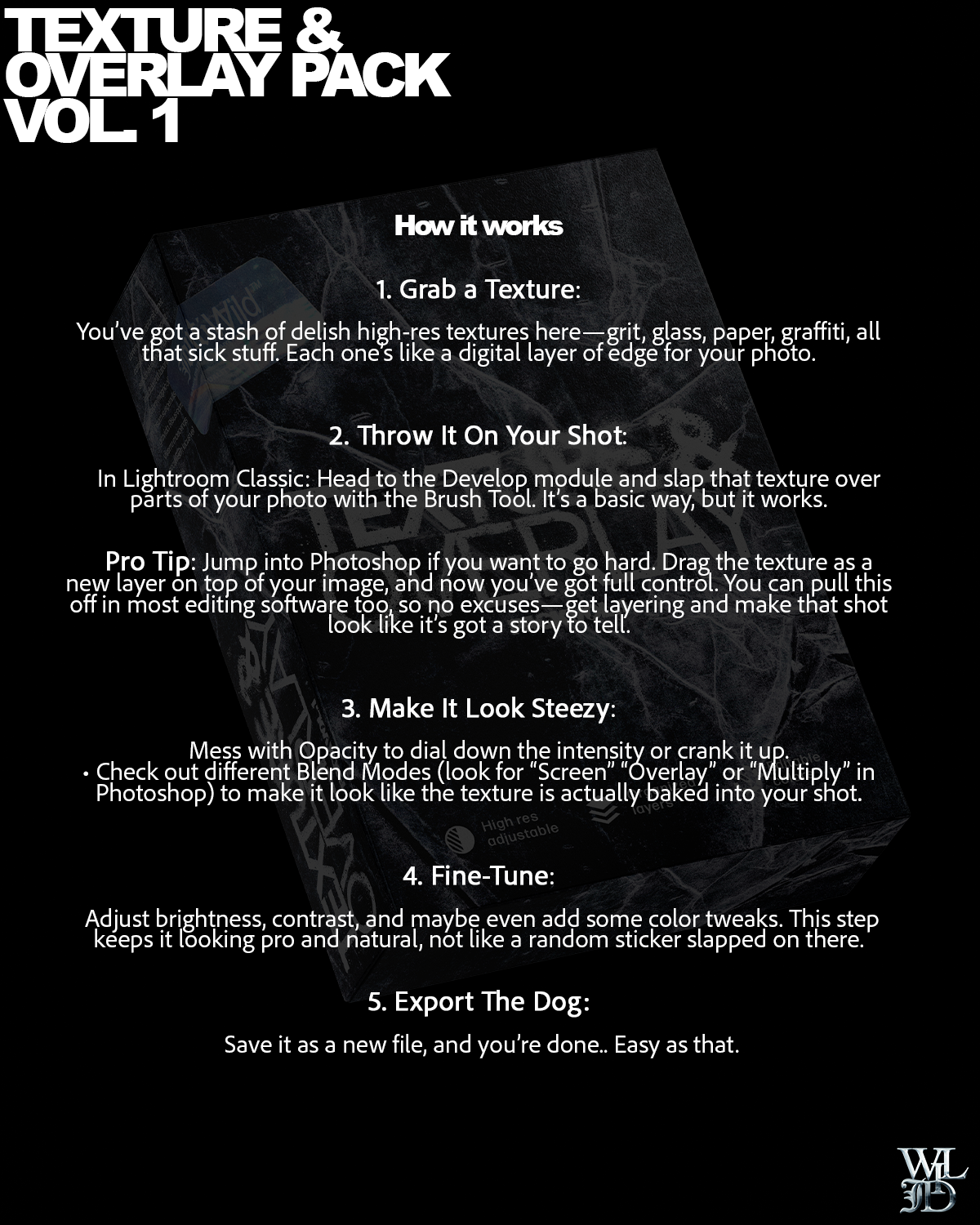
1. Download and Open: After purchase, download the pack and unzip the files.
2. Choose Your Texture: Open your editing software (Lightroom, Photoshop, etc.) and select the texture or overlay that matches your desired vibe.
3. Blend and Adjust: Place the texture over your photo as a new layer. Experiment with different blend modes (Overlay, Soft Light, Multiply) and adjust opacity until it looks just right.
4. Refine as Needed: Use layer masks to erase parts of the overlay or texture from areas where you want more clarity.
5. Save and Share: Save your edited photo with its new look and showcase your unique, professional edge!